
Clients
Onboarding, the team on each account, billing terms, and every piece of content made for them.
GOAT OS runs a video production agency from the first client call to the posted, tracked reel, with the people, attendance and invoicing alongside. We built it for The GOAT Media, and now it ships under your name.
One chain from onboarding to the growth report, so everyone
can see where each piece of content is and whose move it is.
The production line and the back office in one system,
with real-time updates and push notifications throughout.
Onboarding, the team on each account, billing terms, and every piece of content made for them.
Topics, scripts, shoots, edits and QC as one chain, so a reel is never lost between two people.
Book shoots by date and crew, and see the whole week at a glance.
Finished reels wait in a stash until they are scheduled, then get marked posted on the day.
Profiles, teams, managers and offboarding, with every change kept in the activity log.
Geo-tagged check-ins through the day, leave and work-from-home requests, and approvals by team manager.
Each person gets their own list, assigned by their manager and tied to the client and reel it is for.
Invoices against what was delivered in each billing cycle, payments received, and what is still owed.
Staff claim reimbursements and request advances; directors approve and accounts settle.
Each agency gets GOAT OS as its own product, on its own deployment. Your staff and clients see your agency, not ours.
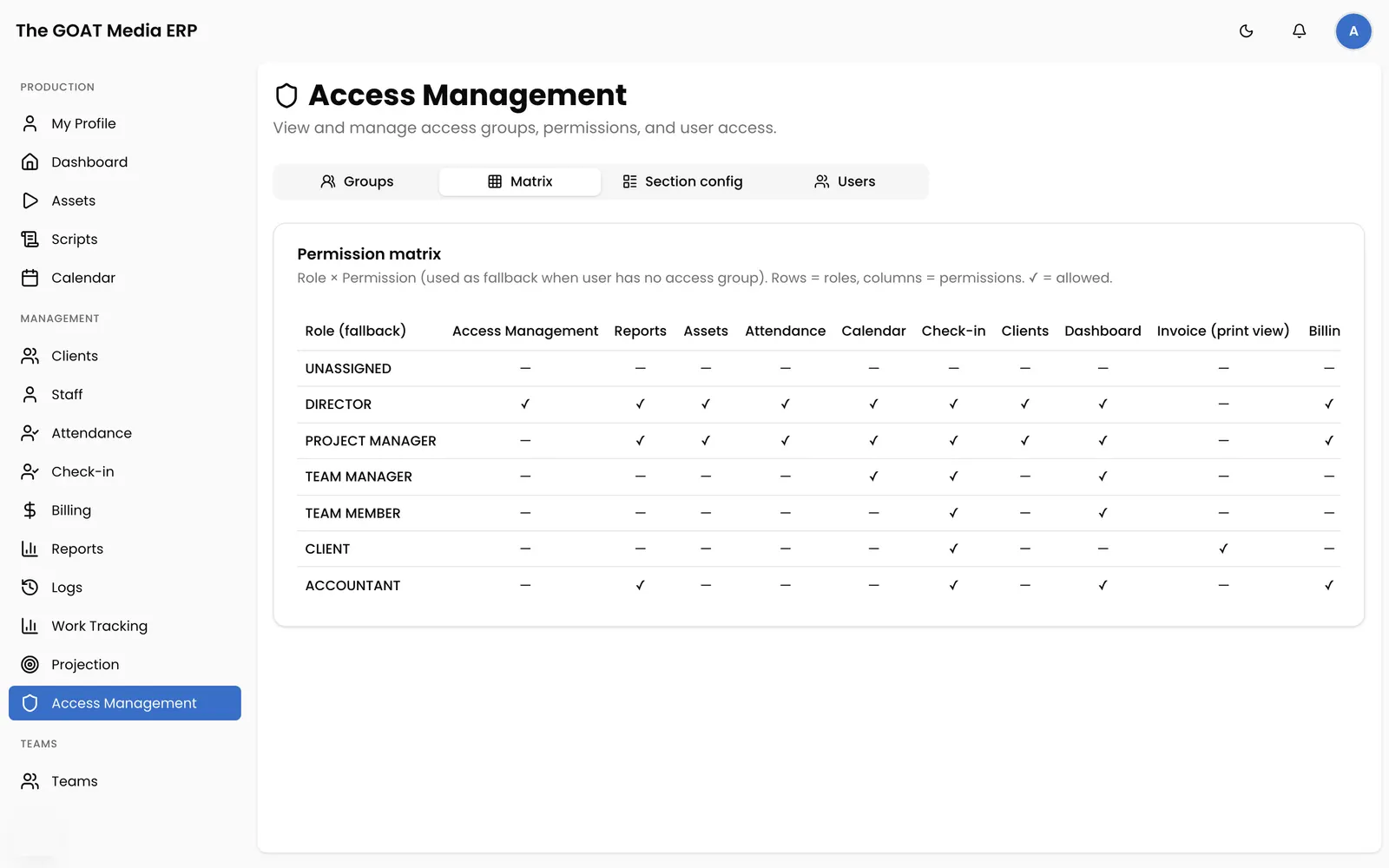
Every role starts with sensible defaults. Access groups then decide exactly which sections and actions each person gets.
A Flutter phone app for the people on shoots and in the edit suite, on the same data as the web app.
The numbers come from the work itself, so nobody builds a report by hand at the end of the month.
We set it up with you rather than handing over a login and a manual.
Clients, staff and teams come across from your spreadsheets, so you start with your own agency on day one.
We map your org chart to roles and access groups with you, section by section.
Walkthroughs for directors, managers, accounts and crew, each on the screens they will use.
We run the deployment and keep shipping fixes and improvements after you go live.
Contact us for pricing. The live demo runs on made-up data,
so click anything you like.